logoBack to App page
Extension for Jira Service Management
Cloud Data Center
Documentation
FAQ
Release notes
Migration path
Integration
Extension for Jira Service Management
Cloud Data Center
Documentation
FAQ
Release notes
Migration path
Integration
Last updated Sep 15, 2025
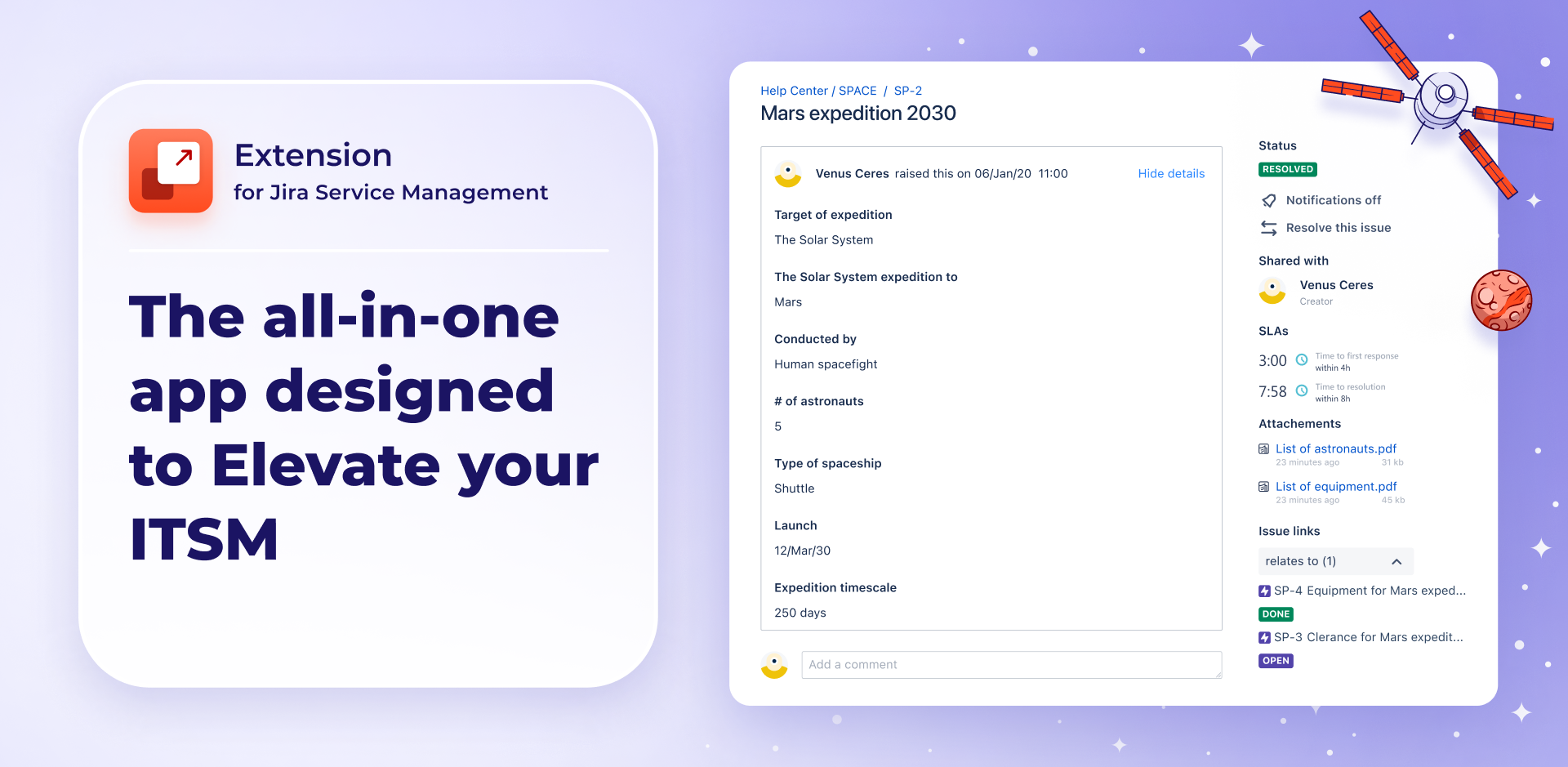
Banner - Extension for Jira Service Management

About

Extension for Jira Service Management is a complete feature bundle for your Customer Portal. It boosts the portal security, usability, and efficiency, enabling teams to deliver exceptional customer service and employ streamlined workflows.

With this app you can improve your Customer Portal experience thanks to clear and intuitive request forms, custom permissions for various elements, and additional displayed information eliminating the risk of miscommunication.

Create Dynamic Forms that adjust their fields based on different users and contexts, organize forms into thematic sections thanks to Bundled Fields, and keep the portal users informed about the status of work thanks to detailed data available in the Request Details View.

Info

Deviniti’s Rovo Assistant provides access to a virtual assistant that helps you with configuration, installation, and troubleshooting, enabling quicker and faster navigation through documentation. See Deviniti’s Rovo Assistant documentation or find it on the Atlassian Marketplace for more information.

Who it’s for

Extension for Jira Service Management is built for teams that want to deliver fast, accurate, and transparent service while keeping configuration simple. It enhances the experience for both requesters and agents without requiring complex scripts or multiple apps.

It’s ideal for service desk and support teams, ITSM and internal IT departments, HR, finance, or facilities teams, customer-facing organizations, project and service managers, Jira administrators, portal configurators, and more.

Going beyond native possibilities

The app delivers capabilities that take Jira beyond its standard features and give teams the confidence to scale their service management processes. Unlike native forms, which are limited in scope and flexibility, Extension ensures clarity, efficiency, and scalability across even the most advanced use cases.

With Extension, you can design dynamic request forms that react in real time to user input. By displaying only the relevant fields, the forms stay clean and user-friendly while ensuring that all essential information is captured at first contact. This creates a smoother experience for customers and provides agents with the structured data they need to act quickly.

To strengthen transparency and reduce repetitive communication, Extension also enriches the Customer Portal with additional request details. Customers gain immediate visibility into priorities, dates, SLAs, attachments, Assets, and more — helping to minimize status inquiries and build trust in the service process.

For complex scenarios, you can group related fields into a single, structured element. This keeps forms concise and information well-organized for agents.

Key features

  • Raise request form efficiency by configuring Dynamic Fields and gather information tailored to individual users.
  • Set Conditions to dynamically display request form fields based on previous user input.
  • Set Validators defining which fields are required and highlight what information is necessary to provide.
  • Facilitate configuration and simply copy Dynamic Fields from your current request type or from a different one.
  • Create intuitive request forms with Bundled Fields that organize related information, making forms easier to navigate.
  • Optimize raising requests and design the layout of subfields in your Bundled Fields for better clarity and user convenience.
  • Control information security by adding Bundled Fields only to selected request forms.
  • Get insights into the request details and allow users for tracking the progress of work by displaying additional information like SLAs, attachments or related issues in Request Details View.
  • Adjust data visible to customers by customizing the content of Request Details View based on particular request types and Jira groups.

Main benefits

Extension for Jira Service Management empowers teams to deliver efficient, transparent, and customer-focused service without the need for complex configurations or additional apps.

Check what’s possible while using the app:

  • Conditional logic and validation dynamically show or hide fields, keeping forms short, clean, and user-friendly.
  • Only relevant fields are displayed based on user selections, ensuring all necessary information is captured from the first interaction.
  • Related fields can be grouped into logical sections or combined into a single entry, simplifying complex forms and making data easier to process.
  • Main configurations can be done through an intuitive interface.
  • Settings can be applied across multiple projects, ensuring consistency and easier maintenance.
  • Additional fields such as SLA timers, custom fields, linked issues, and attachments are displayed in the Customer Portal for greater transparency.
  • Key request details like priority, SLAs, and attachments are visible directly in the Customer Portal, reducing status inquiries and building trust.
  • Native Jira custom fields can be added directly to forms without extra mapping or mechanisms.
  • Assets fields are supported in Dynamic Forms, and advanced AQL settings allow displaying Assets directly in the Request Details view.

Together, these capabilities streamline processes, reduce back-and-forth communication, and provide a professional experience for both customers and agents.

Get the app

If you are interested in purchasing our app, find Extension for Jira Service Management on the Atlassian Marketplace or contact our Sales Department at atlassian@devinti.com. Also, check out Data Center approved version of the app.

Are you looking for more solutions to improve the daily work of your team? Discover other apps from Deviniti.